The creation of a desktop app and extension
that focuses on helping users with secure form filling and online privacy
Project Type
Class Project
Project Role
Project Manager Abstract Design
Duration
5 weeks
Teammates
Taha Alam Shihan Gong
Kimberly Holland Huimeng Lu Taimur Shaikh Leon Tan
Kimberly Wong
Overview
The focus of this project
was to design a web application that would improve upon "privacy".
As an 8-person group, we collectively came up with Veil (both our team
identity and application name). Veil was created to be a better
and more secure autofill that implemented a profile-like password
manager to store information.
For this project, I contributed mostly as the
co-project manager but also devoted my free time to the abstract design.
The main problem we aimed to fix were the issues
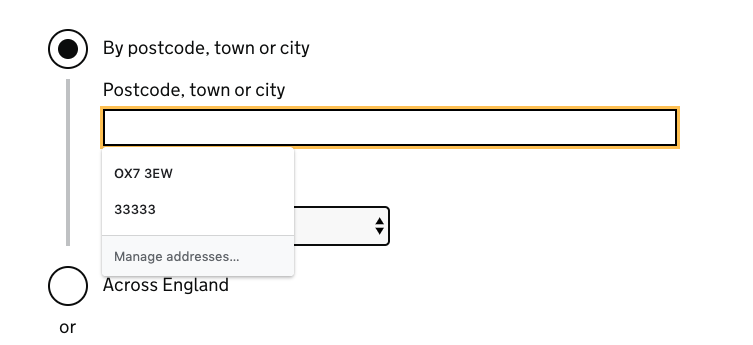
we found with Chrome autofill. We found that Chrome autofill was clunky
to use and often had repeated information as different options. The
information that is used to autofill forms are also stored in the cloud,
which is not the most secure place to store personal information.
So, this autofill had issues with both security and usability.
Goals
Our overall goal for this project was to intimately delve
into the design process and collaborate and communicate efficiently as a
large group. For the project specifically, we hoped to:
- allow for forms to be filled almost instantly
- improve security and allow safe multi-device use
- provide a more convenient way for users to store and organize their information
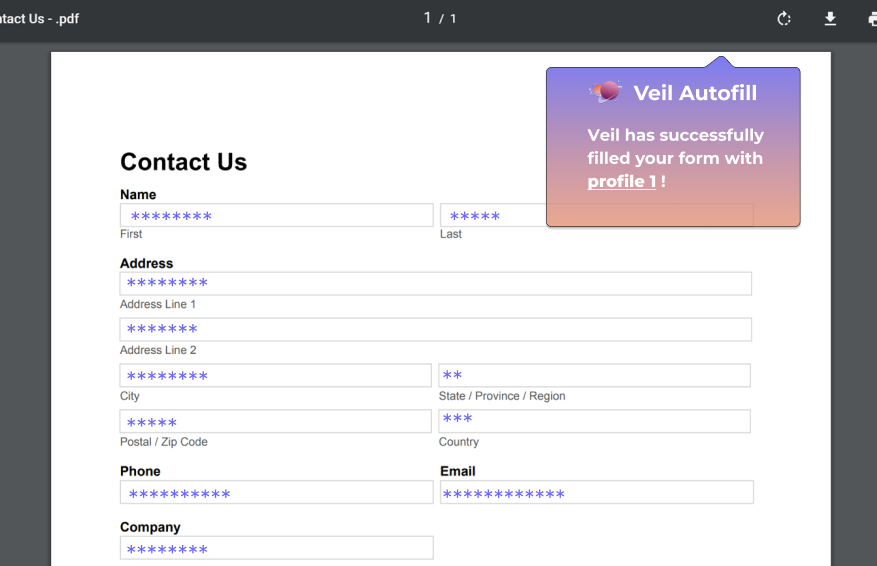
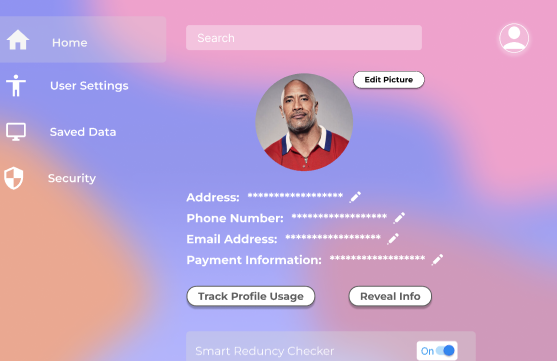
Veil autofilled form
A collaborative process blog created week by week, documenting our progress as it was happening.
Our project began with first brainstorming pain
points in our life that incude aspects of online privacy. After generating
many ideas, we began narrowing down to the ideas that we felt were most applicable.
This step of our process concluded with the selection of our improved autofill.
After deciding on our topic, we began coming up with the
features we wished to include in our product. Then, we began compiling these ideas
into a paper prototype that would be used for user testing. After consulting our peers,
we implemented the feedback we received to create the beta prototype using Figma and,
with more group discussion, developed the final prototype.
Beta Prototype
After receiving critiques and feedback from both
our peers and our professor, we began refining our paper prototype. This included
altering our profile making pages, creating more ways to sign in to the account,
improving the designs for the main profile page, creating a more aesthetic background,
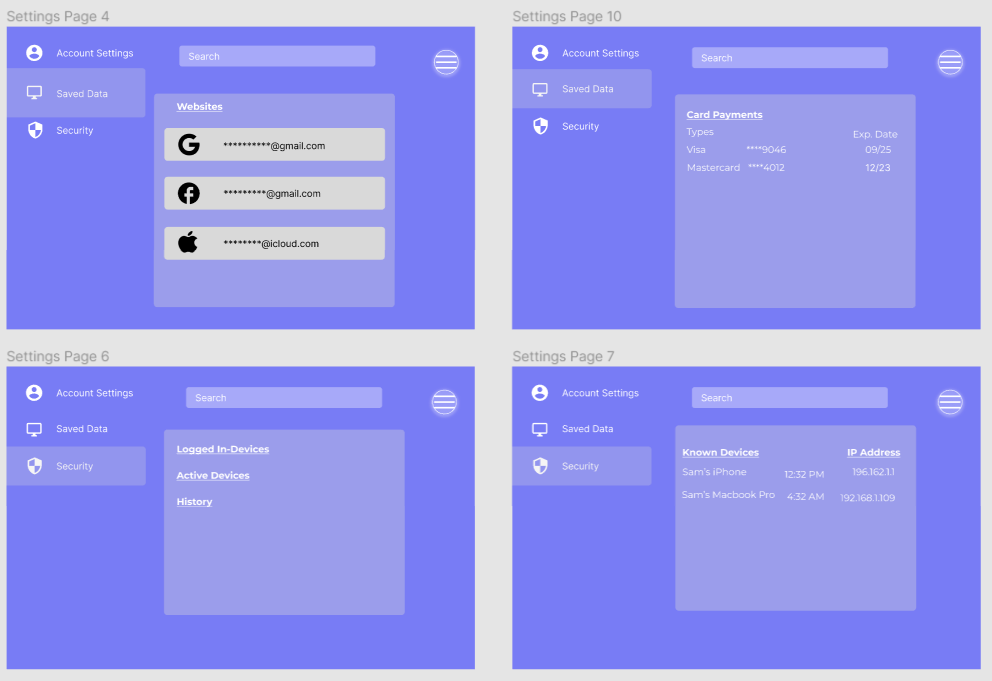
adding a settings page, and removing any pages with an overload of information for the user.
While discussing our prototype as a group, we discovered issues with the flow of our app,
including the lack of a home page, non-consensus for the hierarchical structure of profiles,
and lack of visibility with the new background. These problems were then resolved in the
final prototype.
The final result of this project was a final prototype
and a Shark Tank pitch presentation. This involved presenting our ideas and
pitching a mock business proposition for our design. Through this project,
I was given the opportunity to work in such a large group of intelligent peers
and had the great pleasure of solving a real-world problem together. I learned to communicate
more effectively, discover new design strategies, and embark on the journey of design
all while managing deadlines and ensuring we meet the necessary requirements.
Check out more projects:
COGS187B Kinoyume Website Redesign
Redesigning Kinoyume's mobile and desktop website
to improve site navigation and flow